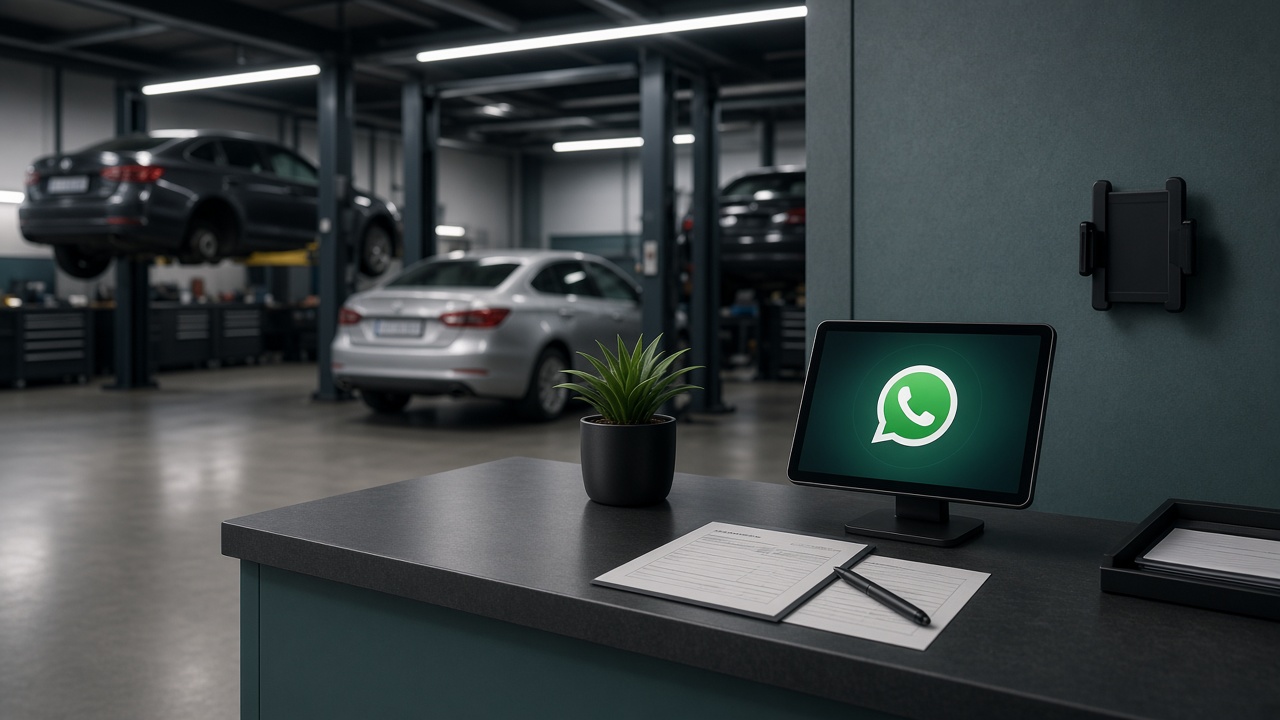
“WhatsApp garage” searches usually mean one thing: owners want customers to book and track service on the app they already use every day.
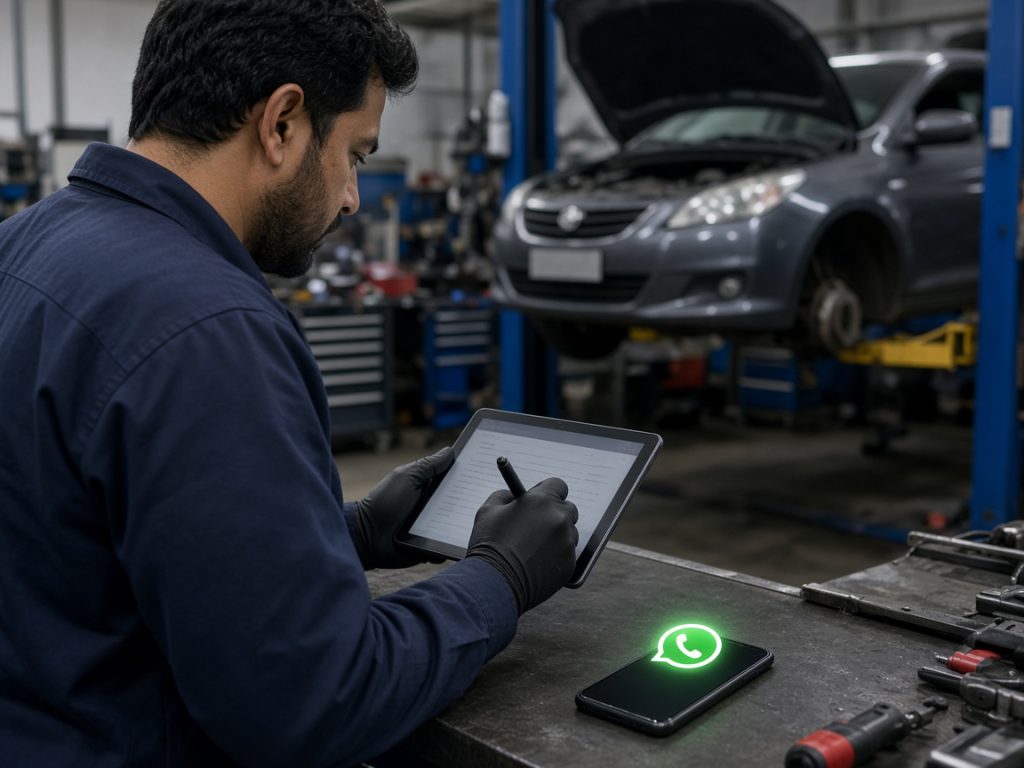
Problems manual WhatsApp creates
- Messages stuck on one technician’s phone
- No shared history when staff change shifts
- Missed after-hours enquiries
What WhatsApp garage automation should cover
- Service booking and slot confirmation
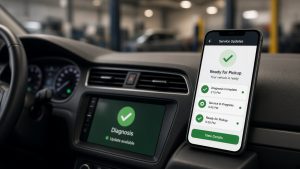
- Job-card status (“diagnosis”, “parts awaited”, “ready”)
- Approval of extra work with photos
- Invoice / payment link delivery
- Service-due reminders for returning customers
Shared team inbox matters
With WChat, the garage number becomes a team channel — advisors, service managers, and billing can collaborate without forwarding screenshots.
If Google shows your brand for “whatsapp garage” but CTR is low, publish clear guides like this and link them from your homepage and service pages.
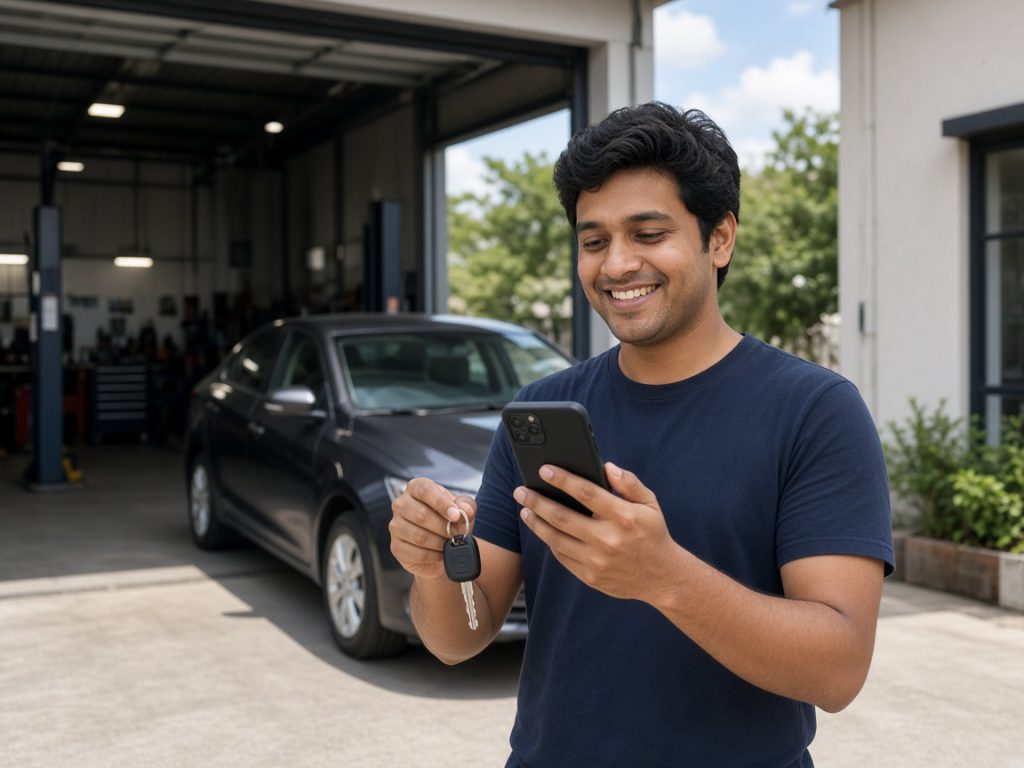
Frequently asked questions
What does WhatsApp garage automation include?
Typically: service booking, job-card status updates, extra-work approvals with photos, invoice links, and service-due reminders — all from a wchat-by-nicedial/">appointment-booking-on-whatsapp-automate-pt-leads-sessions-with-wchat/">shared team inbox.
Why should a garage stop using personal WhatsApp for customers?
Personal phones create missed handovers, no audit trail, and lost chats when staff leave. A business WhatsApp inbox keeps history with the garage, not one employee.
Can multi-brand or multi-location garages use one WhatsApp system?
Yes. Route chats by location or brand while keeping one customer timeline so managers see what was already promised across branches.
How is WhatsApp garage different from a normal CRM?
CRM stores jobs; WhatsApp is where customers actually reply. Automation connects both so status changes trigger customer messages automatically.


1 thought on “WhatsApp Garage Automation: Bookings, Job Cards & Updates”