Searching WhatsApp for car service usually means workshop owners want a practical playbook — not theory. Here is a proven operating model.
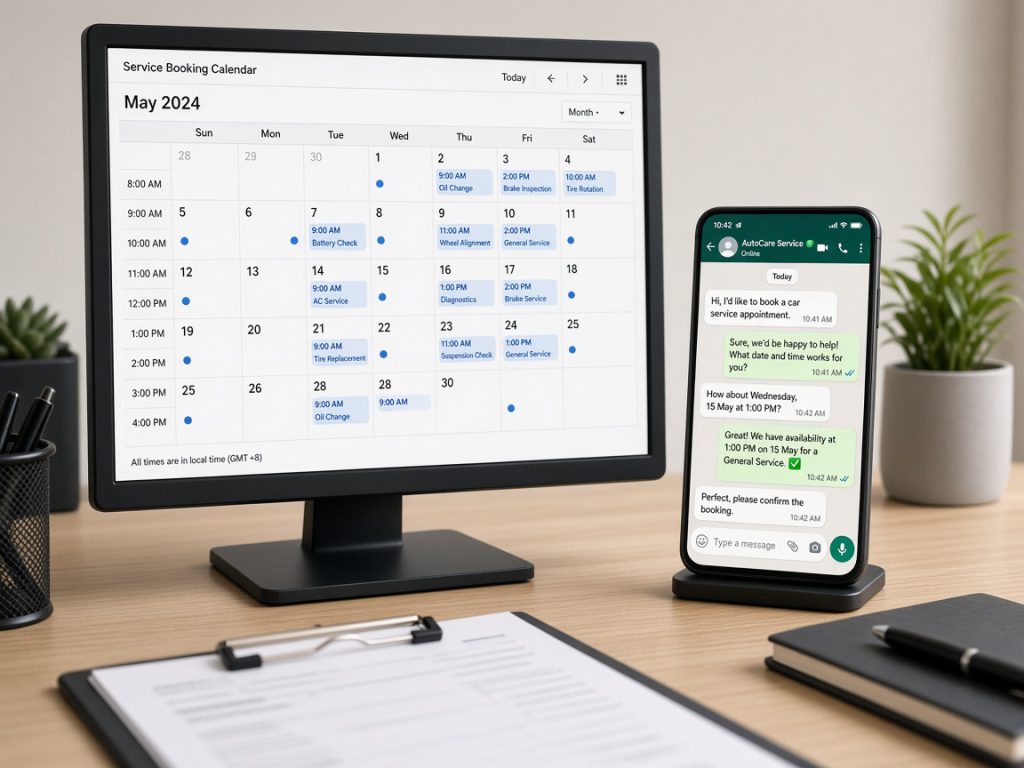
Daily workflow
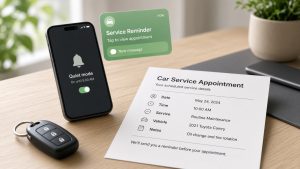
- Customer books via WhatsApp menu or link
- Bot confirms slot and collects vehicle details
- Advisor receives the lead in a shared inbox
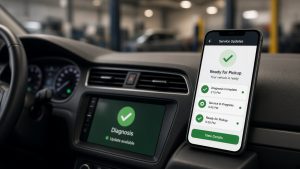
- Job progress updates go out automatically
- Pickup + review request closes the loop
Metrics to track
- Booking conversion from chat
- No-show rate after reminders
- Average first-response time
- % of chats handled without a call
Start with bookings + reminders, then add job-status templates. Most car service centers see less phone chaos within two weeks of going live on WChat.
Frequently asked questions
How can car service centers use WhatsApp for bookings?
Offer a WhatsApp menu or link for slot booking, capture vehicle details in chat, confirm the wchat-by-nicedial/">appointment, then remind customers before the visit.
What metrics should a car service WhatsApp project track?
Track booking conversion from chat, no-show rate after reminders, first-response time, and percentage of chats closed without a phone call.
Should service advisors still reply manually?
Automate routine booking and status messages; let advisors take over for estimates, complaints, and VIP customers from a shared inbox.
What is the fastest way to start WhatsApp for car service?
Start with bookings + reminders in week one, then add job-status templates. Most workshops see less phone chaos within two weeks.