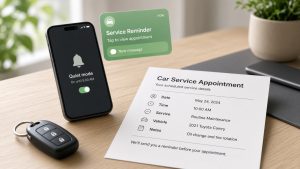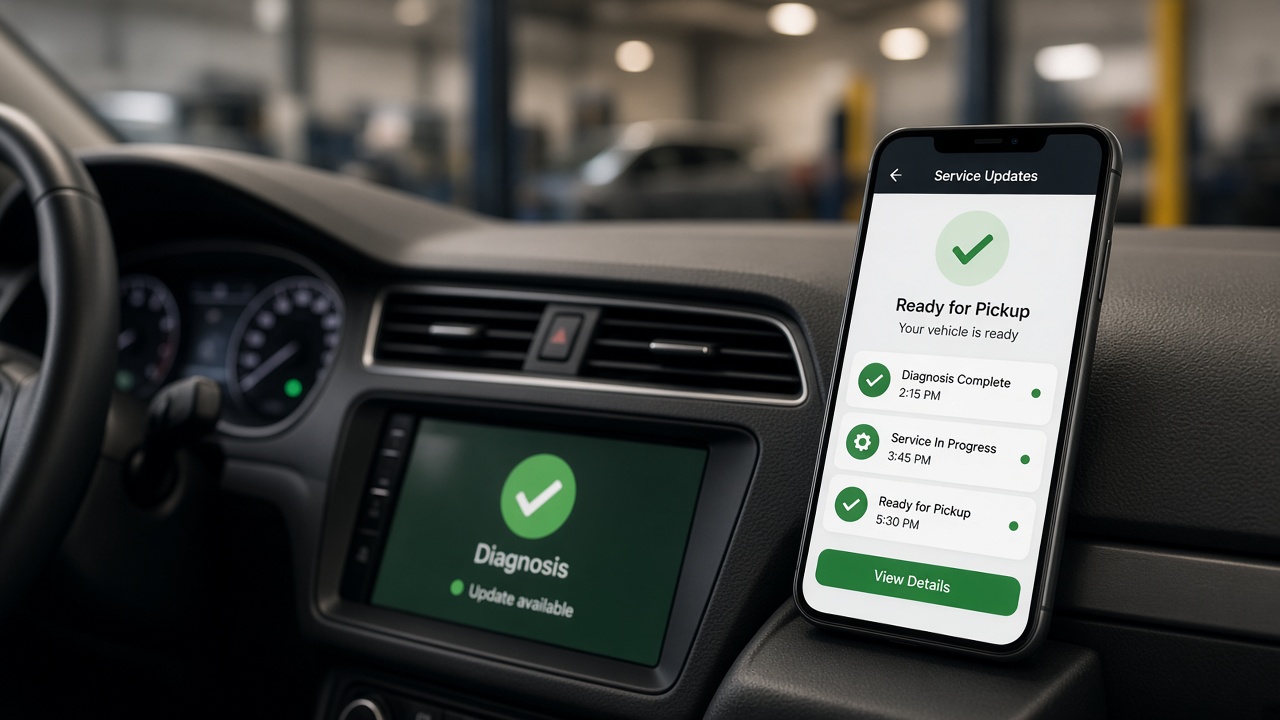
Customers hate calling to ask “Is my car ready?” Automated WhatsApp vehicle service updates reduce inbound calls and build trust.
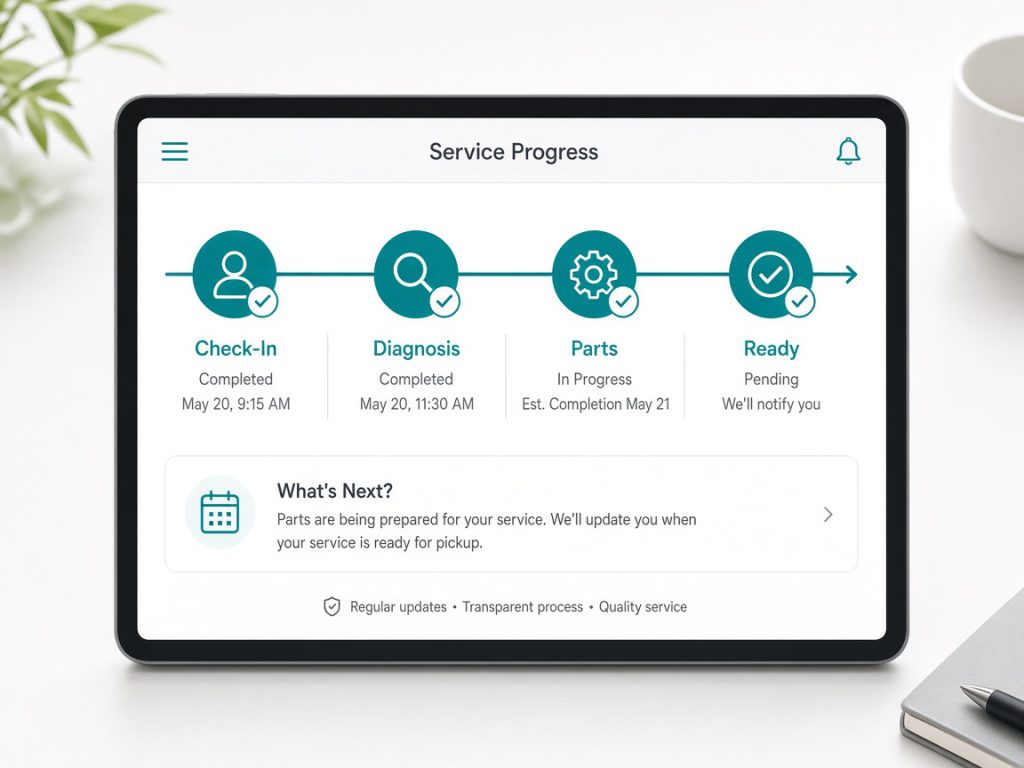
Status messages that work
- Vehicle checked in — advisor assigned
- Diagnosis complete — estimate attached
- Waiting for parts — ETA shared
- Ready for pickup — bay / payment info
Trigger from job cards
Every status change in your workshop CRM should fire a WhatsApp template. Keep language short, include the registration number, and always offer a human reply path.
WChat can centralize these updates so your brand number stays consistent across locations.
Frequently asked questions
What WhatsApp vehicle service updates should workshops send?
Core statuses: checked in, diagnosis complete with estimate, waiting for parts with ETA, and ready for pickup with payment or bay info.
How do automatic service updates reduce phone calls?
Customers stop calling for status when they already received a clear WhatsApp message. Advisors spend less time on “any update?” calls.
Can job-card software trigger WhatsApp updates?
Yes. Each status change in the workshop CRM or job-card system can fire a WhatsApp template so messaging stays consistent.
Should updates include photos or estimates?
When extra work is needed, send a short estimate with photos in WhatsApp so customers can approve quickly and jobs do not stall.